US Driver's License Photo Requirements: 2026 Complete Guide
Table of contents:
- The Federal Framework: REAL ID and What It Changed
- 17 Essential US Driver's License Photo Specifications: a Checklist
- State-by-State Rules: Facial Expression, Eyewear, and Head Coverings
- What to Wear to Your DMV License Photo Appointment
- What Happens at the DMV Photo Station
- Online License Renewal: When No New Photo Is Taken
- The Two Exceptions: When You Can Bring Your Own Photo
- Mobile Driver's Licenses and Your Photo
- Updating Your Photo Between Renewal Cycles
- How Your Driver's License Photo Is Used at TSA Checkpoints
- Federal Penalties for Driver's License Photo Fraud
- Frequently Asked Questions
Renewing your license, getting one for the first time, or moving to a new state? Under current REAL ID rules, all three require a trip to the DMV — and a fresh photo taken on-site. Your photo has to meet strict federal biometric standards, and depending on your state, even your expression is regulated. This guide covers everything you need to know before your appointment. Passport uploads work differently: the US digital passport photo size is defined in pixels and kilobytes.
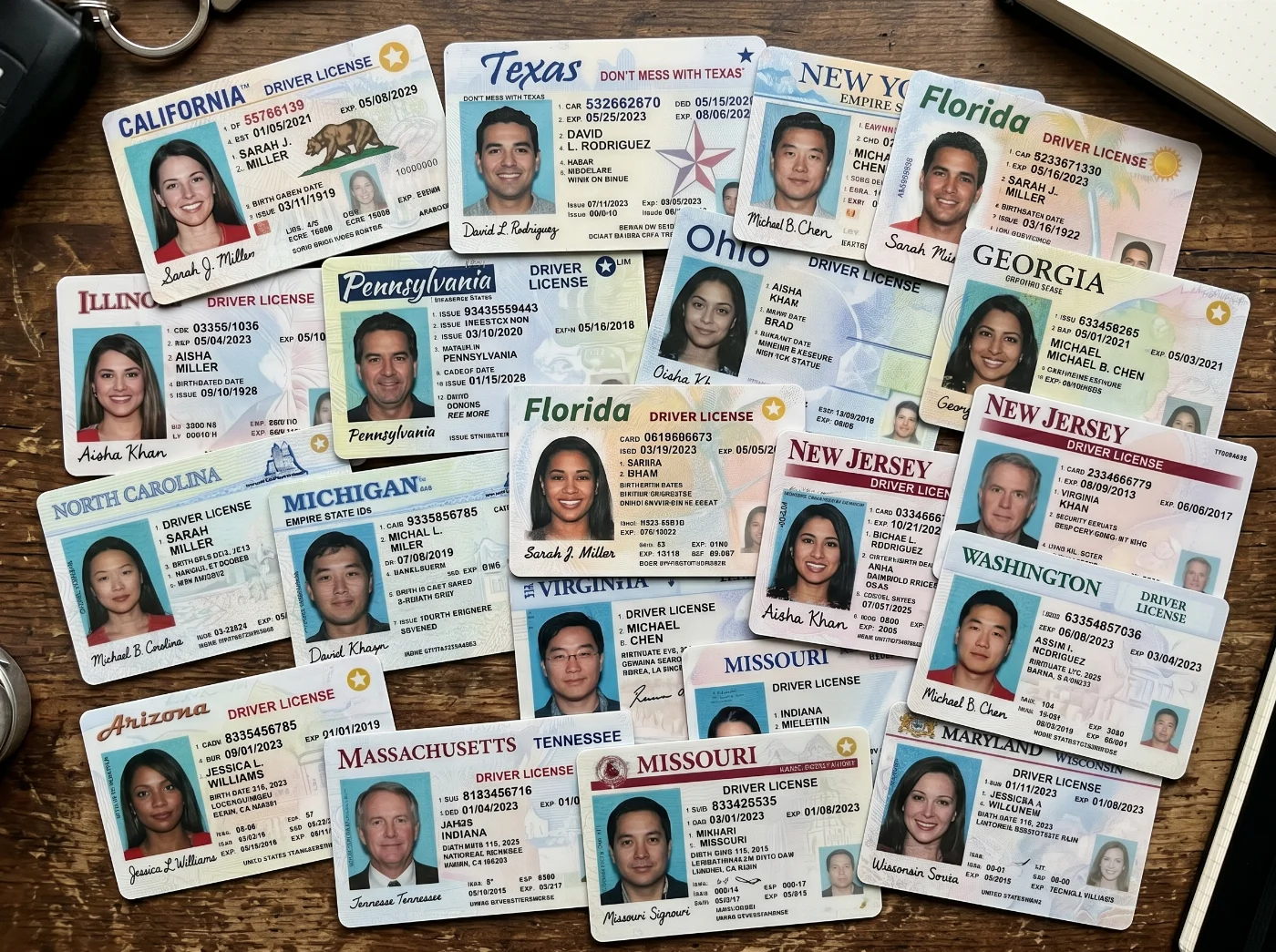
The Federal Framework: REAL ID and What It Changed
A US driver's license photo is governed by two overlapping sets of rules: federal minimum standards established by the REAL ID Act, and each state's own additional requirements. Since May 7, 2025, REAL ID enforcement became mandatory — any state-issued driver's license or ID used to board a domestic flight or enter a secured federal facility must meet federal REAL ID imaging standards. PhotoGov follows the same ICAO Document 9303 family of standards, explained in plain terms on our standards page.
The federal regulation is 6 CFR § 37.17(e), which requires every REAL ID-compliant card to include a digital photograph captured according to the international biometric imaging standards — ISO/IEC 19794-5 and the ICAO Doc 9303. The REAL ID Act also explicitly requires "mandatory facial image capture" — meaning applicants cannot supply a photograph taken elsewhere or reuse an older photo indefinitely. As of 2026, all 50 states, the District of Columbia, and all US territories are fully REAL ID compliant.
The driver’s licence photo details — expression, eyewear, head coverings, smile policy — are defined in best-practice guidelines from the American Association of Motor Vehicle Administrators (AAMVA), which most state DMVs use as their technical blueprint. These guidelines exist primarily to ensure that photos produce reliable results in automated facial recognition systems, which states use to check for duplicate licenses and verify identity at TSA checkpoints.
The most important fact about US driver's license photos: the DMV takes the photo for you. In all 50 states, you go to a DMV office, and a staff member or automated system photographs you. You cannot bring your own photo, upload a selfie, or submit a passport photo for a standard driver's license in any state.
17 Essential US Driver's License Photo Specifications: a Checklist
The following specifications apply to the photo captured at the DMV during your in-person visit. These are the parameters the DMV system enforces — not requirements you control independently.
Specification | Requirement / Standard |
|---|---|
1. Photo capture | In-person only at a DMV/BMV/DOL office. You cannot submit a self-taken photo for a standard license. |
2. Image standard | ISO/IEC 19794-5 — the same biometric facial image standard used by ICAO for passports |
3. Regulatory authority | 6 CFR § 37.17(e) — federal REAL ID minimum standard |
4. Background | Typically light blue or white, applied by the DMV. Varies by state equipment. |
5. Face coverage | Face occupies 70–80% of the image frame (AAMVA guideline) |
6. Head position | Straight, forward-facing. Camera aligned at eye level. Both eyes at equal height. |
7. Facial expression | Varies by state: most require neutral (relaxed face, mouth closed). Some states permit a natural smile. See state rules below. |
8. Eyes | Both eyes fully open and clearly visible. Not covered by hair. The eye area is the primary biometric reference point. |
9. Glasses | Prohibited in the vast majority of states. AAMVA recommends removing glasses. Medical exception requires a physician's letter. |
10. Head coverings | Religious and medical head coverings permitted. Full face must remain visible (hairline to chin, both ears in many states). Documentation requirements vary by state. |
11. Hair | Must not cover eyes, eyebrows, or the edges of the face. Hair across the eyes will trigger a retake. |
12. Facial hair | Permitted. Must not hide the jawline or chin. |
13. Facial piercings | Permitted. Wear your everyday piercings. Adding or removing numerous/large piercings constitutes a significant appearance change. |
14. Makeup | Should reflect your everyday appearance. Stage makeup or heavy contouring that dramatically alters facial shadows may be flagged during review. |
15. Digital alteration | Prohibited. Federal offense. The DMV system captures the image directly — no post-processing is applied or permitted. |
16. Black-and-white | Technically permitted under federal rules. In practice, all DMV cameras capture color images. |
17. Mobile license (mDL) | Same DMV-captured photo. Minimum 192×240 px per ISO/IEC 18013-5. No separate selfie required. |
State-by-State Rules: Facial Expression, Eyewear, and Head Coverings
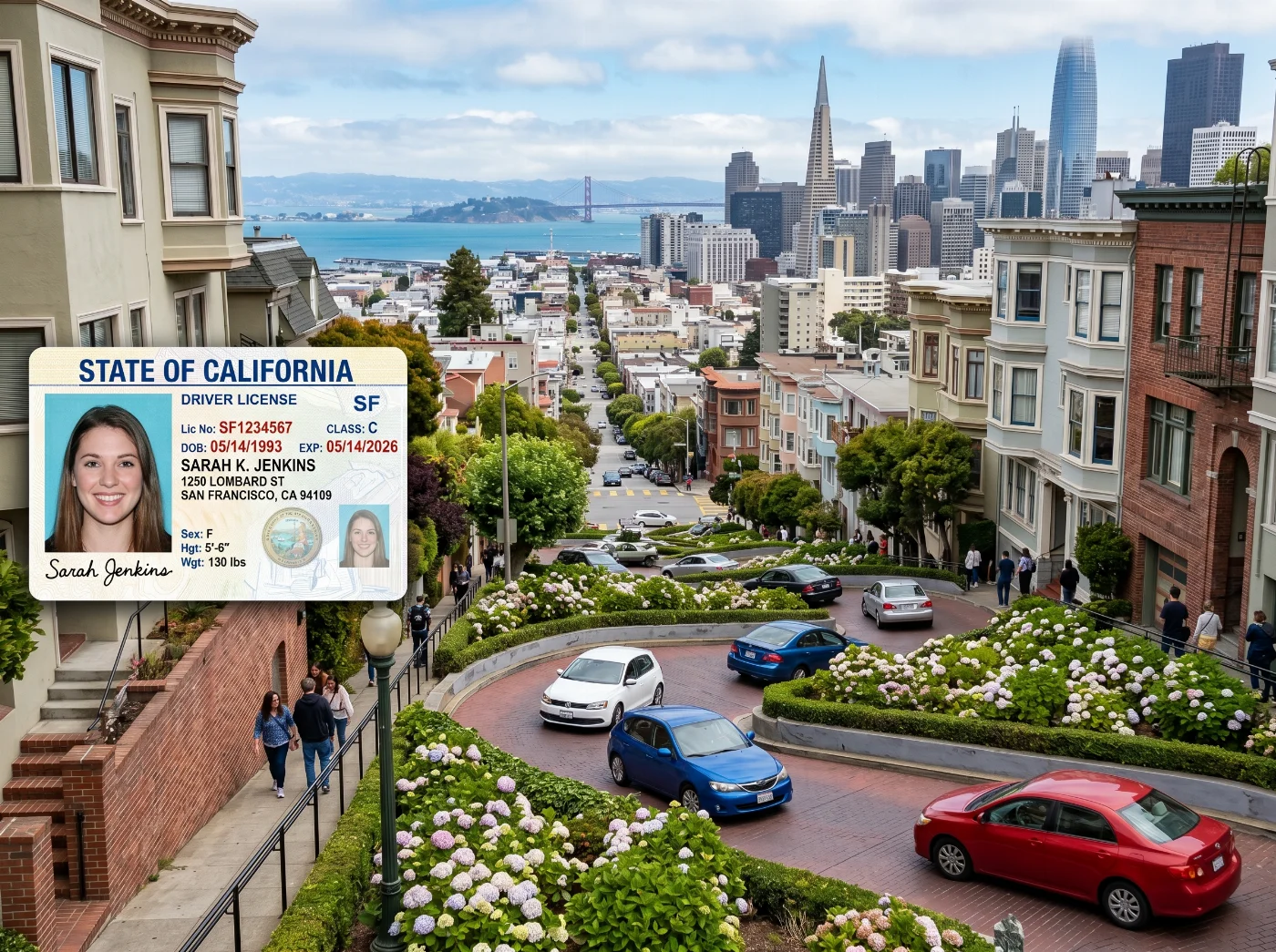
Federal law sets the floor. Each state sets its own operational rules above that. The three areas where states differ most meaningfully are: smile policy, glasses policy, and head covering documentation requirements.
Facial Expression: Neutral vs. Smiling — Does it Matter?
Yes. AAMVA recommends a neutral expression because it produces the most consistent results in facial recognition software — particularly for mapping the geometry around the eyes and the distance between facial landmarks. States that have deployed facial recognition for duplicate detection tend to enforce this more strictly.
Policy | States | What it means in practice |
|---|---|---|
Strict neutral — no smile | Arkansas, Indiana, Nevada, Virginia, Missouri, North Carolina, Wisconsin | Closed lips, relaxed face. A smile that changes the geometry of your mouth or cheeks will trigger a retake. |
Natural smile permitted | New Jersey, California, Texas, Florida, Illinois, New York | Mouth slightly open or closed, natural smile acceptable. No exaggerated or forced expressions. |
The state does not specify | All remaining states | Default to neutral. Check your state DMV website or call ahead before your appointment. |
Check your state's smile policy before your appointment. Showing up expecting to smile in a strict neutral-expression state means an immediate retake. Call your DMV office or check the official state DMV website for the current policy.
Glasses: the Growing Nationwide Ban
Glasses in driver's license photos were once widely permitted with conditions. That is no longer the case in most states. The AAMVA now recommends removing glasses as best practice, and the majority of states have adopted this recommendation as a requirement. The three reasons driving the change:
Lens glare and hot spots create bright regions directly over the eye area, the single most important biometric reference zone in the image.
Frames — even thin modern frames — can obscure the periorbital area that facial recognition software uses to calculate eye socket geometry and interpupillary distance.
Transition (photochromic) lenses darken unpredictably under the camera's flash lighting, creating tinted areas over the eyes even if the lenses appeared clear when you arrived.
The medical exception exists in most states: if you have a documented medical condition that physically prevents you from removing your glasses during the photo, bring a signed statement from your physician. The letter should explain why the glasses cannot be removed, not merely confirm that you wear prescription glasses. A standard optician's prescription does not qualify.
Leave your glasses in your car or bag before entering the DMV photo station unless you have a physician's letter. If in doubt, check your state's current policy on its DMV website before your appointment.
Head Coverings: Religious and Medical Accommodations
Every US state provides an accommodation for religious and medical head coverings in driver's license photos. The covering itself is not the issue — what matters is that your full face remains completely visible. The standard requirement across all states is that the face from hairline to chin must be unobstructed, with both ears visible in many jurisdictions.
Qualifying coverings include hijabs, turbans, yarmulkes, niqabs (face must still be uncovered), head scarves worn for chemotherapy or other medical conditions, and other coverings integral to daily religious practice. Sunglasses, baseball caps, beanies, and fashion headwear do not qualify and will be asked to be removed.
Where states differ is in documentation requirements:
No documentation required — some states (including Minnesota, New York, Texas, and others) treat religious headwear as a normal part of a person's appearance and process the photo with no additional paperwork.
Verbal statement sufficient — some states accept your word that the covering is worn for religious reasons.
Signed affidavit required — some states require a written and signed (sometimes notarized) statement before the photo is taken.
Letter from faith community — a small number of states historically required a corroborating letter from a religious leader or faith community representative.
Check your specific state's DMV website for the current requirement before your appointment. If documentation is required, arriving without it means you cannot complete the photo that day.
What to Wear to Your DMV License Photo Appointment
You do not control the camera, the lighting, or the background — but you do control what you wear, and it matters more than most people realize. The backdrop the DMV uses (typically light blue or white) interacts directly with the colors of your clothing.
Colors That Work
Dark colors — navy, dark blue, charcoal, black, and dark gray — create strong contrast against both white and light blue backdrops. They are the safest and most universally effective choices.
Deep jewel tones — burgundy, forest green, dark teal — are effective alternatives, particularly with white backgrounds.
Medium tones in any color that contrasts with the backdrop color your DMV uses.
Colors and Styles to Avoid
White and off-white tops: these can partially or completely blend with a white DMV backdrop. The DMV's camera system may have difficulty distinguishing your clothing from the background, sometimes triggering a software rejection flag before the clerk even reviews the image.
Pale blue tops: these can blend with light blue DMV backdrops for the same reason.
Clothing that exactly matches the backdrop color of your specific DMV office — if you know your state uses light blue, avoid light blue entirely.
Hats, beanies, bandanas, baseball caps, and any non-religious, non-medical headwear — all will be removed before the photo.
Clothing with large graphics, logos, sports insignia, or slogans — these are visible in the photo and look unprofessional on an official ID.
High necklines that cover the chin when your head is in the camera-ready position — the DMV photo must show the chin clearly.
General Appearance Guidance
Wear what you typically look like on any ordinary day. A driver's license photo should match your everyday appearance for identity verification purposes — not formal attire you only wear occasionally.
Style your hair away from your face before you arrive. The DMV will ask you to clear hair from your eyes and face before the photo is taken. Arranging it in advance saves time.
Makeup should be consistent with your everyday look. Any significant difference between the photo and your in-person appearance creates problems at identity verification checkpoints.
Wear your everyday piercings — the ones that are normally present. Removing or adding numerous large piercings constitutes a significant appearance change.
Don't have formal business attire? PhotoGov's outfit service digitally changes your look — no shopping required. Try it for your passport, digital photo, or CV photo.
What Happens at the DMV Photo Station
Understanding the photo capture process helps you avoid a retake, which either happens immediately (with a busy DMV behind you) or requires a second appointment.
The Equipment
Every REAL ID-compliant state DMV office uses a high-resolution digital camera mounted at a fixed position in front of a uniform backdrop. The camera station is a dedicated area — typically a small photo zone separated from the service counter, with controlled lighting and a fixed camera height that the clerk adjusts based on your seated or standing position.
The lighting is flat and uniform by design. DMV lighting is specifically calibrated to minimize shadows on the face and produce even illumination across all facial features. This is why DMV photos look harsher and more clinical than professional photographs — the lighting removes the soft shadows that photographers use to add depth and dimension to a portrait. This is intentional: shadows interfere with facial recognition geometry mapping.
The Capture and Review Process
You sit or stand at the marked position in front of the backdrop.
The clerk adjusts the camera or your position so the lens aligns with your eye level.
You are instructed to face straight ahead, keep both eyes open, and adopt the required expression (neutral or smile, depending on your state).
The photo is taken. The image appears immediately on the clerk's screen.
Automated software runs a real-time quality check: it verifies that both eyes are fully open, no glare is present, the face occupies the correct proportion of the frame, shadows are within acceptable parameters, and all biometric reference points are detectable.
If the automated check finds a problem, the clerk will see it immediately and ask you to retake the photo. Common triggers: closed or partially closed eyes, a blink at the moment of capture, visible glare from glasses, hair partially crossing the eye area, or an expression that distorted facial geometry.
If the image passes the automated check, the clerk reviews it visually and approves it.
You do not see the final photo on a display visible to you — the screen faces the clerk.
You cannot request a retake simply because you dislike the image. Retakes are performed only when the photo fails the technical quality check or the clerk determines it does not meet biometric standards. At most DMV offices, you are allowed to retake once if you are dissatisfied, but this is at the clerk's discretion and is not guaranteed.
Online License Renewal: When No New Photo Is Taken
Most US states now offer online license renewal for eligible applicants — typically those whose license has not yet expired by a certain period, who have no outstanding violations or medical flags, and whose existing photo meets recency requirements. Online renewal is a completely different workflow from getting a new license.
In an online renewal, no new photo is taken. The DMV uses the digital photograph already on file from your last in-person visit. This is why states have policies about how long a photo can be reused: some states require a new in-person photo every 8 years; others extend to 12 or even 16 years between mandatory photo updates. If your photo is older than your state's maximum, or if it no longer resembles your current appearance, you will be redirected to an in-person appointment.
If you renew online, your old photo remains on your new card. If your appearance has changed significantly since your last DMV visit — significant weight change, major hairstyle change, facial surgery, or other change that would affect recognition — you should renew in person to get an updated photo, even if you are technically eligible for online renewal.
The Two Exceptions: When You Can Bring Your Own Photo
In all 50 states, the standard driver's license workflow requires an in-person DMV photo. There are exactly two documented exceptions where a state explicitly accepts a user-supplied photo for a driver's license — both are narrow edge cases for specific circumstances:
Texas: Out-of-State Mail Renewal
Texas DPS allows eligible applicants who are temporarily residing outside Texas to renew their license by mail. This mail renewal workflow requires a 2×2 inch (51×51 mm) passport-style photograph submitted with the application — the same format as a US passport photo. The applicant must meet specific eligibility criteria for the out-of-state mail renewal program. This applies only to out-of-state mail renewals; in-person renewal at a Texas DPS office follows the standard office-photo workflow. Learn how to make a compliant ID photo at home.
Ohio: Military and Dependent Out-of-State Renewals
The Ohio BMV accepts a 2×2 US passport-style photo for eligible military personnel and their dependents who are renewing or obtaining a duplicate license while stationed outside Ohio. This is a narrow exception specific to military service members and their families. Standard Ohio license applications and renewals at a BMV office follow the standard office-photo workflow.
These are the only two clearly documented user-supplied photo workflows among all 50 states as of 2026. All other state-level "out-of-state" or "mail" renewal programs reuse the photo already on file rather than accepting a new user-supplied photograph.
Mobile Driver's Licenses and Your Photo
More than 20 US states and territories now offer mobile driver's licenses (mDL) through apps, including Apple Wallet, Google Wallet, or state-specific applications. TSA accepts mDLs at security checkpoints at participating airports.
The photo stored on your mobile driver's license is exactly the same image captured at the DMV during your last in-person visit. You do not take a new selfie to load onto a digital license. The mDL simply stores the DMV-captured photo in a standardized digital format.
The technical standard for mDL images is ISO/IEC 18013-5, which specifies a minimum image size of 192 pixels wide by 240 pixels tall, with a minimum of 90 pixels between the centers of the eyes for automated facial recognition. These are minimum specifications — actual DMV cameras capture at much higher resolution, and the stored mDL image meets these minimums automatically.
When you present an mDL at a TSA checkpoint, the agency's system may compare the stored image against a live photo captured at the podium. TSA's policy is that this facial comparison data is deleted immediately after identity is confirmed and is not shared with other agencies or used for surveillance. Participation in the facial comparison is optional — you may decline without consequence or delay.
Updating Your Photo Between Renewal Cycles
Your license photo should reasonably match your current appearance. If your appearance has changed significantly since your last DMV photo — major weight change, facial surgery, a very different hairstyle, or the addition or removal of numerous large facial piercings — you can request a new photo before your license is due for renewal.
The mechanism is a duplicate or replacement license application. Most states process this as a standard in-person DMV visit: you bring your current license, pay the replacement fee (typically $11–$36 depending on state), and the DMV photographs you again. The new photo is applied to your replacement card.
For applicants going through a gender transition or who have had facial reconstruction, the process varies by state. All states have policies accommodating updated license information in these circumstances; check your state DMV's specific procedure.
How Your Driver's License Photo Is Used at TSA Checkpoints
TSA has deployed facial comparison technology at a growing number of airport checkpoints nationwide. A camera at the TSA podium captures a live image of the traveler and compares it against the photo stored on their government-issued ID — whether a driver's license, REAL ID, or passport.
TSA states that the comparison images are deleted immediately after identity is confirmed. The images are not stored, not used for law enforcement, and not shared with other agencies. TSA has begun posting signage at checkpoints reminding travelers of this.
Participation in the facial comparison is optional. If you prefer not to participate, tell the officer at the podium. Manual identity verification will be conducted instead. There is no penalty for opting out and no additional delay beyond the standard manual review time. Travelers under 18 are not photographed.
The quality of your DMV photo affects how this process works in practice. A blurry, shadowed, or low-contrast photo that barely passed the DMV's quality check can produce a mismatch at the TSA algorithm, leading to a longer manual verification at the podium. A clean, well-lit, neutral-expression photo with both eyes clearly visible gives the algorithm the best chance of matching you quickly.
Federal Penalties for Driver's License Photo Fraud
A driver's license is a government-issued identification document. Altering its photo, submitting someone else's image, or creating a fraudulent license is a federal crime under 18 U.S.C. § 1028, the federal identity document fraud statute. Penalties are:
Up to 5 years for other misuse of identification documents not covered by higher tiers.
Up to 15 years for producing, transferring, or altering a fraudulent driver's license, birth certificate, or any document appearing to be government-issued.
Up to 20 years for offenses connected to drug trafficking, violent crime, or committed after a prior conviction under this statute.
Up to 30 years for offenses committed to facilitate domestic or international terrorism.
These are federal charges, separate from whatever state-level charges would apply. "Produce" under the statute includes altering an otherwise legitimate document, which means digitally editing your own license photo also falls within its reach.
Frequently Asked Questions
Can I Bring My Own Photo to the DMV for My Driver's License?
No, in almost all cases. In 48 of 50 states, the DMV takes your photo at the office using its own equipment. You cannot submit a passport photo, a selfie, or any other user-supplied image. The two exceptions are a Texas out-of-state mail renewal program and an Ohio military out-of-state renewal program — both narrow edge cases that require 2×2 passport-style photos under specific eligibility conditions.
Do I Need to Remove My Glasses for a Driver's License Photo?
In most states, yes. AAMVA recommends removing glasses as best practice, and the majority of states have adopted this as a requirement. The reason is biometric: lens glare and frames obstruct the eye area, which is the primary reference zone for facial recognition. A medical exception exists in most states — bring a signed physician's statement explaining why the glasses cannot be removed. A standard prescription is not sufficient.
Can I Smile in My Driver's License Photo?
It depends on your state. States including Arkansas, Indiana, Nevada, and Virginia require a strict neutral expression. New Jersey and some other states permit a natural smile. Many states do not specify explicitly, in which case a neutral expression is the safest default. Check your state DMV's current policy or call ahead before your appointment.
Can I Wear a Religious Head Covering in My Driver's License Photo?
Yes. Every US state provides an accommodation for religious and medical head coverings. The covering must not obscure any part of your face — from hairline to chin, and both ears in many states. Documentation requirements vary by state: some accept a verbal statement, others require a signed affidavit or other documentation. Check your state's specific requirement before arriving.
What Should I Wear to My DMV Photo Appointment?
Wear a dark-colored solid top — navy, charcoal, black, or dark gray. These colors contrast well against both white and light blue DMV backdrops. Avoid white, off-white, and pale blue tops that may blend with the backdrop. Style your hair away from your face before you arrive. Do not wear hats, beanies, or fashion headwear.
What is REAL ID, and Does it Change My Photo Requirements?
REAL ID is a federal security standard for state-issued driver's licenses and ID cards, enforceable since May 7, 2025, for domestic air travel and federal building access. Every state is now REAL ID compliant. REAL ID does not create a different photo format or process — the DMV still photographs you at the office using the same equipment. The only difference is that REAL ID applications require additional document verification (proof of identity, SSN, and US address) and mandate in-person photo capture.
What Happens if I Blink During the DMV Photo-Taking Process?
The photo is retaken immediately. DMV cameras capture images that are reviewed in real time by automated software that detects blinks, closed eyes, and other compliance issues. A blink at the moment of capture will be caught by the system before you leave the camera station, and the clerk will photograph you again.
My Appearance Has Changed Significantly Since My Last License Photo. What Do I Do?
Apply for a replacement or duplicate license at your state DMV office. This triggers a new in-person photo session. Fees vary by state ($11–$36 typically). If your appearance has changed enough that a TSA officer or law enforcement officer might question whether the photo matches you, get a new photo before that situation arises rather than after.
Does My Photo Get Stored Anywhere Besides My License?
Yes. REAL ID regulations require states to store license photos in digital databases that can be accessed by other authorized agencies for identity verification purposes. Your photo is part of your state's motor vehicle record. It may be used for facial recognition duplicate-detection checks (to prevent one person from holding licenses in multiple names), and it is compared against your live appearance at TSA facial comparison checkpoints. TSA states that checkpoint comparison images are deleted immediately after use.
Official Government Sources
Federal REAL ID Surface Requirements: 6 CFR § 37.17 — eCFR
Federal Legislation: REAL ID Act, Title II, H.R.1268 (2005)
International Machine-Readable Document Requirements: International Civil Aviation Organization Doc 9303
International Biometric Photo Requirements: ISO/IEC 19794-5
Was this helpful?
40 found this helpful
Top expert
Based on official government sources
Helpful votes: 40
Was this helpful?
40 found this helpful
Service provided by Y VISION TECHNOLOGIES LLP · Stoney Works 8 Stoney Lane, London, England, SE19 3BD · Terms · Refund policy · Contact
We value your Privacy
We use cookies to enhance your browsing experience, serve personalized ads or content. By clicking “Accept All”, you consent to our use of cookies.